
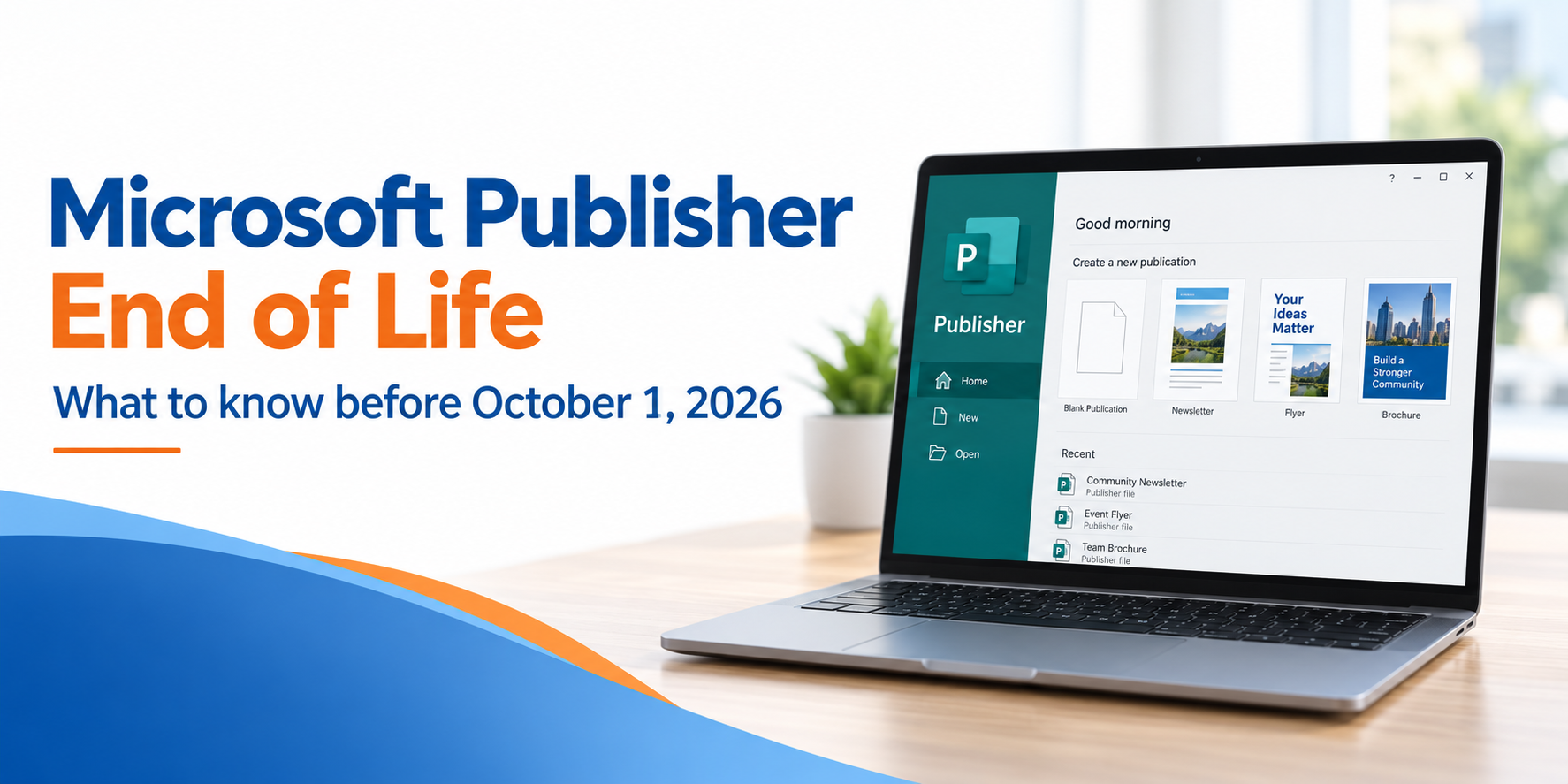
Microsoft Publisher Is Going Away — Here’s What You Need to Know
– By #Midstate IT Team
If you use Microsoft Publisher to create newsletters, flyers, business cards, church bulletins, labels, calendars, or other projects, an important change is coming.
Microsoft is ending support for Publisher in October 2026.
But that does not mean every copy of Publisher will suddenly stop working on October 1. What happens depends on which version you have.
Do you use Publisher through Microsoft 365?
If Publisher is part of your Microsoft 365 subscription, you will no longer have access to Publisher after October 1, 2026.
That means you will no longer be able to use Publisher through Microsoft 365 to open or edit your Publisher files.
Did you purchase Publisher or Office as a one-time purchase?
This is a little different.
If you own a desktop version of Publisher, such as Publisher 2021 or Publisher that came with an Office Professional license, the program may continue to work on your computer after October 2026.
The important thing to understand is that Microsoft will no longer support it.
Think of it like an older appliance that still works, but the manufacturer no longer makes parts or provides service for it. You may still be able to use Publisher, but Microsoft will no longer provide security updates, bug fixes, or technical support.
Older versions of Publisher may also continue to work as long as they remain compatible with your computer and Windows. However, because those programs are already older and unsupported, there is no guarantee they will continue working forever.
What happens to my Publisher files?
Publisher files normally end with .pub.
If you have old projects you want to keep, now is a good time to find them and decide which ones are important.
Some examples might include:
- Newsletters
- Church bulletins
- Flyers
- Calendars
- Business cards
- Labels
- Invitations
- Family or community projects
For finished projects that you simply want to keep or print, one of the easiest options is to save them as PDF files.
A PDF preserves the look of the publication and can be opened on almost any computer, phone, or tablet.
There is one catch: a PDF is great for viewing and printing, but it is not as easy to edit as the original Publisher file.
If you have a Publisher project that you update every month or every year, such as a newsletter, program, calendar, or flyer, you may want to recreate it in another program while you can still open the original.
What should Publisher users do now?
Before October 1:
- Look for your Publisher files. Search your computer, OneDrive, flash drives, or other storage locations for files ending in .pub.
- Open the files you want to keep.
- Save finished projects as PDFs so you can continue to view and print them.
- Pay special attention to files you still edit. Those are the projects you may want to move to another program.
- Keep your original .pub files, too. There is no need to delete them just because you made a PDF copy.
What can I use instead of Publisher?
There is not one perfect replacement for Publisher.
For some projects, Microsoft Word or PowerPoint may work well. Other design programs such as Canva, may also be an option, depending on what you are creating.
The important thing is to start thinking about your frequently used Publisher projects now instead of waiting until you need one later.
Don't wait until you need an old file
The biggest concern may not be losing Publisher itself.
It may be discovering months from now that the newsletter, flyer, church program, family history project, or other document you need is saved only as a Publisher file.
Take a few minutes now to look for your important .pub files and make a plan for the ones you want to keep.
A little work now could save you a much bigger headache later.
Have questions? Contact our friendly Midstate IT Team to help you navigate this upcoming change by phone or text at 605-778-6221
Last Modified:

