
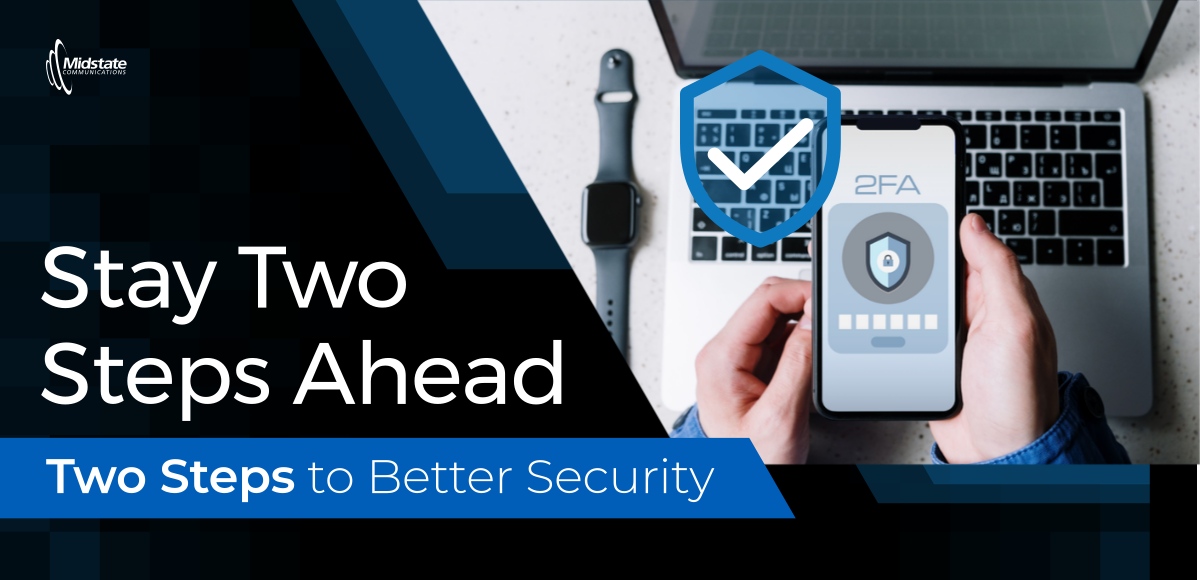
Your Password Is the Front Door. 2FA Is the Deadbolt!
– By #Midstate IT Team
You wouldn't leave your front door unlocked, so why leave your online accounts protected by just a password?
A strong password is important, but adding two-factor authentication (2FA) gives your accounts an extra layer of protection. Think of your password as the front door lock and 2FA as the deadbolt.
What Is Two-Factor Authentication?
Two-factor authentication, also called two-step verification, adds another security step when you sign in to an online account.
After entering your password, you may be asked to enter a code sent to your phone, approve a notification, or use your fingerprint.
That extra step makes it much harder for scammers to access your account, even if they've stolen your password.
Which Accounts Need 2FA?
Start with the accounts that hold your most important information:
-
Email: Often used to reset passwords for other accounts.
-
Online banking: Protects access to your financial information.
-
Shopping accounts: May have saved credit cards or payment information.
-
Social media: Helps prevent someone from taking over your profile.
You should also enable 2FA on other accounts that store personal or financial information.
Never Share Your Verification Code!
Here's where scammers get sneaky.
Someone may call or text pretending to be from your bank or another trusted company. They claim there's a problem with your account and ask you to read them a verification code.
Don't do it! That code could be exactly what they need to break into your account.
If someone unexpectedly asks for a sign-in code, stop communicating with them and contact the company using a phone number you know is legitimate.
How Do You Turn On 2FA?
Most websites and apps make it easy. Sign in to your account, open Settings or Security, and look for Two-Factor Authentication or Two-Step Verification. Follow the instructions to turn it on.
At Midstate Communications, we want our South Dakota communities to stay safe online. Taking a few extra seconds to verify your identity can help prevent a much bigger headache down the road. Have questions? Call or text our IT Team at 605-778-6221.
Your password locks the door. 2FA adds the deadbolt. Make sure you're using both!
Last Modified:

